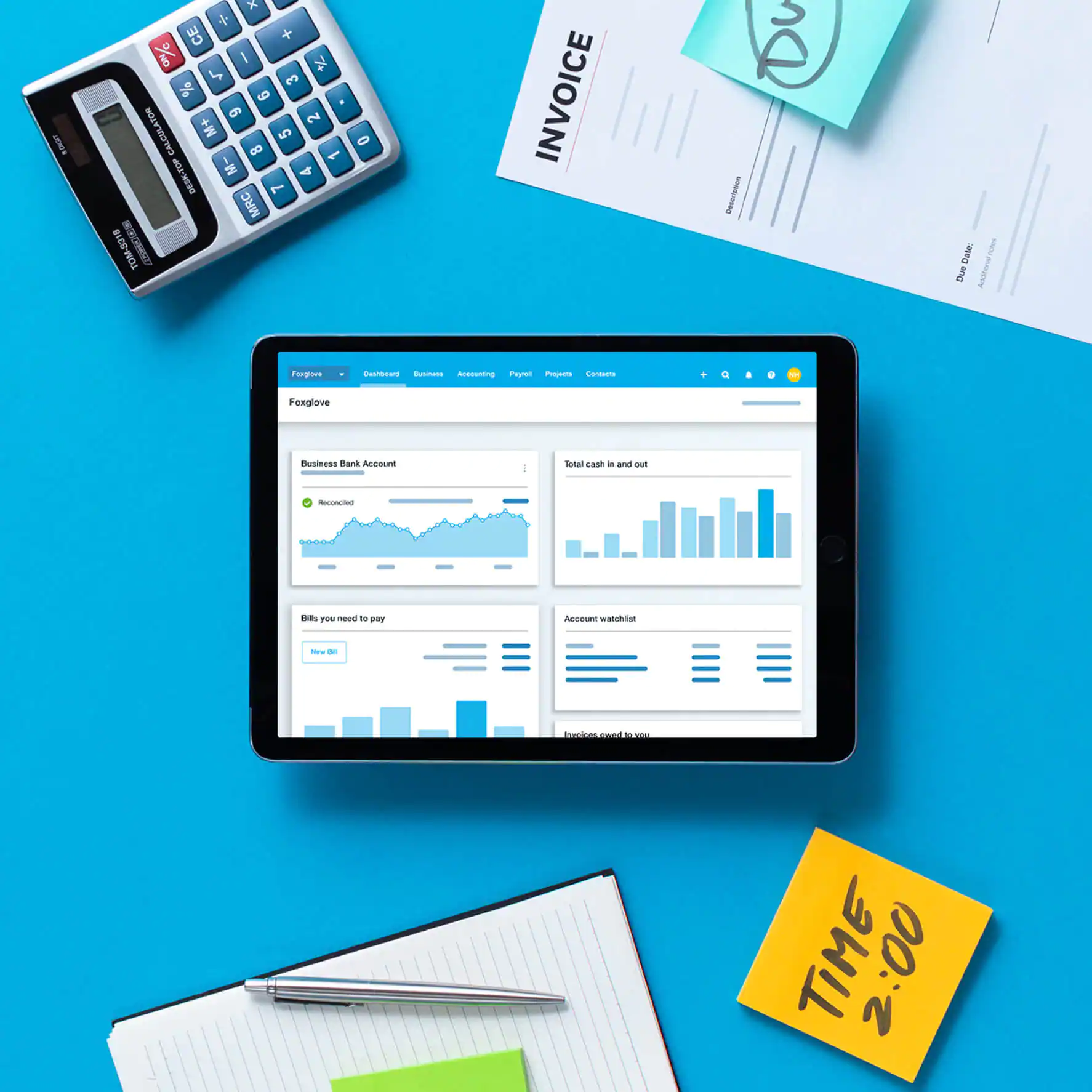
Bookkeeping software for accounting firms is more than a digital ledger. It is a working platform for recording transactions, managing client accounts, reconciling bank statements, preparing reports and keeping financial records organised. For accounting practices and small firms in Kenya, choosing the right system can improve accuracy, reduce repetitive work and make it easier to manage several clients.
A small accounting firm may handle bookkeeping for retailers, consultants, property businesses, contractors, non-governmental organisations and other SMEs. Each client can have different reporting requirements, transaction volumes, tax obligations and approval processes. Using spreadsheets or disconnected systems for every client can make work difficult to monitor as the practice grows.
The right bookkeeping software for accounting firms should make it easier to maintain separate client records, control access, review transactions and prepare reliable financial information. It should also support the firm’s workflow and fit the accounting knowledge and technical capacity of its staff.
In Kenya, software selection should take account of KRA electronic invoicing requirements, local reporting needs, data protection, currency handling and the ability to export records for review.
1. Identify What Your Accounting Firm Actually Needs
Before comparing bookkeeping software for accounting firms, identify the work your practice performs every day. A firm providing basic transaction recording has different needs from one offering management accounts, payroll, tax support and financial reporting.
Start by listing the services you provide and the tasks your team completes for each client.
Consider whether your practice needs software that can:
- Maintain separate books for multiple clients.
- Record sales, purchases, expenses and payments.
- Manage customer and supplier accounts.
- Reconcile bank and mobile money transactions.
- Track accounts receivable and accounts payable.
- Prepare profit and loss statements and balance sheets.
- Generate general ledgers and trial balances.
- Support VAT records and eTIMS-related workflows.
- Track transactions in different currencies.
- Export financial reports for audits and tax reviews.
A small practice should avoid paying for advanced features it will not use. However, choosing a system with no room for growth can create another migration exercise when the firm takes on more clients.
The best bookkeeping software for accounting firms is the one that matches the firm’s actual service model, not necessarily the one with the longest feature list.
2. Check Multi-Client and Multi-Company Management
Multi-client management is one of the most important considerations when choosing bookkeeping software for accounting firms.
A business owner managing one company may only need a single set of books. An accounting practice, however, may be responsible for ten, twenty or more separate client accounts. The software must make it easy to switch between organisations without mixing their financial information.
Check whether the system allows you to:
- Create separate company profiles.
- Maintain individual charts of accounts.
- Set different financial years and reporting periods.
- Assign staff members to specific clients.
- Restrict access to confidential client records.
- Generate reports for each organisation independently.
- Manage several entities under one practice account, where supported.
Do not assume that a software subscription allowing several users automatically supports several client organisations. User limits and organisation limits are different. Confirm both before purchasing a plan.
For growing practices, bookkeeping software for accounting firms should also make it easy to identify which staff member is responsible for each client and which accounts require review.
3. Confirm KRA and eTIMS Compatibility
KRA compliance should be part of the software selection process for accounting firms operating in Kenya.
The Kenya Revenue Authority’s Electronic Tax Invoice Management System (eTIMS) provides electronic invoicing solutions for taxpayers. KRA provides several options, including eTIMS Lite, the eTIMS Client, and system-to-system integration through Online Sales Control Unit (OSCU) and Virtual Sales Control Unit (VSCU).
This means that bookkeeping software for accounting firms should support a practical process for handling client invoices and supporting documents.
Before choosing a platform, ask the provider:
- Does the software support eTIMS integration?
- Is the integration native or provided through a third-party service?
- Can the system import and organise electronic tax invoices?
- Can users match supplier invoices to recorded purchases?
- Does it retain invoice references and supporting documents?
- Can the firm identify missing or inconsistent invoice records?
- Who provides technical support when the integration fails?
KRA explains that system-to-system integration can be achieved through OSCU or VSCU, depending on the taxpayer’s invoicing arrangements. Businesses should confirm that their chosen integration route is appropriate for their operations.
It is important to distinguish between bookkeeping software and eTIMS itself. Purchasing accounting software does not automatically mean that a taxpayer has completed every KRA onboarding or invoicing requirement.
For an accounting practice, the aim is to create a dependable process that connects source documents, electronic invoices and accounting entries.
4. Look for Automated Bank and Mobile Money Reconciliation
Manual reconciliation can consume a significant amount of time, particularly when an accounting firm handles several clients.
A client may receive payments through bank transfers, cards, cash and M-Pesa. If the accounting team has to compare every transaction manually, the risk of missing entries or recording payments twice increases.
Good bookkeeping software for accounting firms should support bank reconciliation and make it easier to identify transactions that have not been matched.
Look for features such as:
- Bank statement imports.
- Automatic transaction matching.
- Rules for recurring transactions.
- Identification of duplicate entries.
- Reconciliation reports.
- Support for multiple bank accounts.
- Import options for mobile money statements.
- Clear records of adjustments and unmatched transactions.
Do not assume that every platform connects directly to every Kenyan bank or mobile money provider. Ask for a demonstration using the transaction formats your clients actually receive.
A useful test is to upload a sample bank statement and see how quickly the software identifies matching receipts, payments, bank charges and outstanding transactions.
5. Compare Reporting and Financial Statement Features
Accounting firms need more than a list of transactions. They must turn financial records into information that clients and management can understand.
When assessing bookkeeping software for accounting firms, check whether it can generate accurate and clearly presented financial reports.
Important reports include:
| Report | Why it matters |
|---|---|
| Profit and loss statement | Shows income, expenses and operating performance |
| Balance sheet | Summarises assets, liabilities and equity |
| Cash flow statement | Helps assess cash movement and liquidity |
| Trial balance | Supports review of ledger balances |
| General ledger | Provides transaction-level accounting records |
| Accounts receivable ageing | Identifies overdue customer balances |
| Accounts payable ageing | Tracks outstanding supplier payments |
| Expense analysis | Helps identify spending patterns |
The system should allow users to select reporting periods, compare results and export reports into formats that can be reviewed by clients or auditors.
For firms preparing financial statements under applicable reporting frameworks, confirm whether the software supports the required accounting treatments and disclosures. Do not assume that a standard report generated by a bookkeeping platform is automatically a complete set of compliant financial statements.
The accounting professional remains responsible for reviewing classifications, estimates, adjustments and disclosures.
6. Assess User Access, Audit Trails and Data Security
Bookkeeping software for accounting firms contains sensitive information belonging to clients. This may include bank details, employee information, supplier records, customer contacts, payroll data and business performance figures.
The firm must be able to control who can view, edit, approve or export this information.
Prioritise systems with:
- Individual user accounts.
- Role-based permissions.
- Multi-factor authentication, where available.
- Audit trails showing changes to transactions.
- Approval workflows.
- Secure backups.
- Data export and recovery options.
- Clear procedures for removing former employees’ access.
Avoid sharing one login among several employees. Shared accounts make it difficult to establish who entered or changed a transaction.
Cloud software can make remote collaboration easier, but the firm should understand where data is stored, how it is protected and what happens if the subscription ends.
Kenya’s Data Protection Act, 2019 is relevant when accounting practices process personal information. Firms should review their responsibilities as data controllers or processors, assess their registration obligations and understand the contractual responsibilities of software providers.
A software provider should be able to explain its security arrangements and provide clear terms covering data processing, access, retention and deletion.
7. Compare Software Costs Beyond the Monthly Subscription
The cheapest subscription may not be the least expensive option over time.
When comparing bookkeeping software for accounting firms, calculate the full cost of using the platform. A low starting price may exclude additional users, extra organisations, integrations or advanced reporting.
Your cost comparison should include:
| Cost area | What to check |
|---|---|
| Subscription | Monthly or annual payment |
| User licences | Additional staff or accountant access |
| Client organisations | Charges for additional company accounts |
| Implementation | Initial setup and configuration |
| Data migration | Moving records from spreadsheets or older software |
| eTIMS integration | Connector, setup or transaction charges |
| Training | Staff onboarding and refresher sessions |
| Support | Technical assistance and maintenance |
| Storage | Limits and charges for documents or backups |
Ask for a written quotation that explains what is included in the selected plan.
A firm should also consider the time saved through automation. Software that reduces repetitive reconciliation and reporting work may offer better value even if its subscription is higher.
8. Bookkeeping Software Examples to Evaluate
There is no single platform that is automatically best for every Kenyan accounting practice. The appropriate choice depends on the firm’s client base, reporting requirements, preferred workflow and budget.
The following platforms are examples worth evaluating during a software selection exercise. Their suitability should be confirmed through a live demonstration and a review of their current Kenyan integrations.
Zoho Books
Zoho Books offers invoicing, expense management, bank reconciliation and financial reporting features. Its Kenya pricing page lists plans with different user limits and features, including eTIMS-compliant invoicing on the Standard plan. A practice should confirm whether its preferred subscription supports the number of client organisations and staff accounts it needs.
QuickBooks
QuickBooks is widely used for small-business accounting workflows. Firms considering it should assess the available plan, accountant access, bank-feed availability and the cost and reliability of any Kenyan eTIMS integration required.
Xero
Xero is another cloud accounting platform that practices may evaluate for bank reconciliation, reporting and collaboration. Before adopting it, confirm the availability of the integrations and local workflows required by the firm’s Kenyan clients.
Sage Accounting
Sage Accounting offers invoicing, expense management, VAT-related features and financial reporting. Firms should verify which features are available under the relevant plan and whether the platform supports their specific Kenyan compliance and client-management requirements.
TallyPrime
TallyPrime may be worth evaluating for firms and clients that need accounting alongside inventory or other business management functions. Confirm the implementation arrangements, user requirements and eTIMS integration options before making a decision.
The important point is not to select software based only on brand recognition. Test the functions your team will use and confirm the total cost of operating the system.
9. Test the Software Before Moving All Client Records
A demonstration can make almost any platform look easy to use. A practical trial is more useful because it reveals how the software handles real accounting tasks.
Choose one client with a manageable volume of transactions and use the trial to test the following:
- Create a company profile and configure its chart of accounts.
- Enter opening balances.
- Import a sample bank statement.
- Record sales, purchases and expenses.
- Reconcile selected transactions.
- Attach supporting documents.
- Generate a trial balance and profit and loss statement.
- Review the audit trail and user permissions.
- Test the relevant eTIMS workflow.
- Export the reports and confirm that the information is usable outside the platform.
Ask the staff members who will use the system to participate in the test. Their feedback can reveal problems that management may overlook.
Only migrate the remaining client records after the practice has confirmed that the software works as expected.
10. Plan Staff Training and Ongoing Support
Even good bookkeeping software for accounting firms can produce poor results if employees do not understand how to use it.
Staff should receive training on transaction entry, account coding, reconciliation, document management, reporting and approval procedures.
The firm should also document standard procedures for:
- Opening a new client account.
- Receiving and organising source documents.
- Recording transactions.
- Reviewing reconciliations.
- Correcting accounting errors.
- Closing monthly accounts.
- Preparing management reports.
- Backing up and exporting records.
Assign responsibility for system administration and periodic access reviews. Establish a process for contacting the provider when technical problems occur.
A reliable support arrangement matters because accounting work often has deadlines. The firm should understand the provider’s support hours, response times and escalation process before committing.
Common Mistakes When Choosing Bookkeeping Software for Accounting Firms
Accounting practices can avoid costly changes by looking beyond the advertised features.
Choosing based only on price: A low subscription may exclude the number of users or client organisations the firm needs.
Ignoring eTIMS workflows: A platform that cannot support the client’s invoicing and documentation process may create additional manual work.
Failing to test multi-client access: A system designed around one business may not be convenient for a practice managing many separate organisations.
Overlooking data security: Weak access controls can expose confidential client and employee information.
Migrating unclean records: Importing inaccurate opening balances or duplicate transactions can undermine the reliability of the new system.
Assuming software replaces professional review: Automated reports still require accounting judgement, reconciliations and verification.
Frequently Asked Questions About Bookkeeping Software for Accounting Firms
What is the best bookkeeping software for accounting firms in Kenya?
The best option depends on the firm’s client numbers, transaction volumes, reporting requirements, eTIMS workflow and budget. Zoho Books, QuickBooks, Xero, Sage Accounting and TallyPrime are examples that firms can evaluate before making a decision.
Can bookkeeping software manage multiple clients?
Some platforms support multiple organisations or company profiles, while others charge separately for each organisation. Accounting firms should confirm the organisation limits, accountant access and user permissions before subscribing.
Does bookkeeping software need to integrate with eTIMS?
A firm should assess how the software supports each client’s electronic invoicing and recordkeeping requirements. KRA provides several eTIMS options, including system-to-system integration through OSCU and VSCU. The appropriate arrangement depends on the taxpayer’s invoicing setup.
Is cloud bookkeeping software safe?
Cloud bookkeeping software can provide secure access and backups, but safety depends on the provider’s security controls and the firm’s own practices. Check authentication, permissions, audit trails, backup arrangements, data-processing terms and recovery procedures.
Can small accounting firms use free bookkeeping software?
Some providers offer free plans with limited features or user access. A free plan may suit a very small operation, but firms should check client organisation limits, reporting, integrations, support and data export before relying on it for professional work.
How much does bookkeeping software cost in Kenya?
Costs vary by provider, subscription plan, users, organisations, integrations and implementation requirements. Compare the full cost rather than the advertised starting subscription alone.
Can bookkeeping software replace an accountant?
No. Software can automate transaction recording, reconciliation and report preparation, but it cannot replace professional judgement, review of accounting treatments, tax interpretation and responsibility for accurate financial reporting.
What should an accounting firm do before changing bookkeeping software?
The firm should document its requirements, compare suitable platforms, test a sample client account, verify integrations, clean existing records, plan migration and train staff before moving all clients to the new system.
How Adamjee Auditors Can Help Your Firm Improve Its Bookkeeping
Choosing bookkeeping software for accounting firms is an important operational decision, but successful implementation also requires sound accounting processes.
Adamjee Auditors provides accounting, bookkeeping, tax compliance, audit and advisory services to businesses in Kenya. Our team can help organisations review their accounting processes, improve financial recordkeeping and identify areas where better systems and controls are needed.
Whether you operate a small accounting practice or manage the finance function of a growing business, professional support can help you make informed decisions about bookkeeping, reporting and compliance.
Explore our Bookkeeping and Accounting Services or Tax Compliance Services to learn how we can support your business.
Contact Adamjee Auditors to discuss your accounting and bookkeeping requirements.
Nairobi: 1st Floor, Le’Mac Building, Church Road, off Waiyaki Way, Westlands
Mombasa: Suite 401, Motorwalla Building, Jomo Kenyatta Road
Phone: +254 703 899 606 / +254 717 908 241
Email: info@adamjeeauditors.com